Help Center
Everything you can do with Prism Bank — explained in plain language, step by step. New here? Start at the top. Looking for one thing? Use the menu. This page is public; no sign-in required to read it.
Getting started
Prism Bank is a full-service bank you use entirely online. There's no password to remember — you sign in with Discord, then link your in-game wallet once to prove it's you.
1. Sign in with Discord
Go to the login page and choose Sign in with Discord. Approve the request and you're in — no password required.
2. Verify your wallet
Link your in-game account so Prism knows which wallet is yours (see below).
3. Open your first account
Once verified, open a checking or savings account in a couple of clicks.
Prism Bank
Sign in with Discord to access your accounts.
Verifying your wallet
Verification is a one-time check that connects your Prism account to your in-game wallet, using a tiny challenge payment: Prism gives you a unique amount to send, and when it arrives your wallet is confirmed automatically.
- Open
Dashboard → Verification. - Use
/db payto send Prism the unique amount shown (down to the cent). - The moment it lands, your wallet links itself — no waiting on staff.
Accounts & savings
Prism offers a few account types for different jobs — checking for everyday money, high-yield savings (HYSA) that earns real interest, plus business and fixed-deposit accounts. Every balance is backed one-to-one by real currency.
Checking vs. HYSA
Checking is for money you move often. HYSA pays interest because those balances are put to work funding loans — ideal for savings you don't need day-to-day.
Deposits & withdrawals
Adding money
Deposits use the same simple challenge method as verification: pick an account, and Prism gives you a unique amount to /db pay. It's credited the instant it arrives.
Taking money out
Withdraw straight back to your in-game wallet from any account, any time — your balance is always yours on demand.
Prism Pay
Prism Pay moves money between people — instantly, by username, with no wallet strings to copy. Four ways to use it:
- Send — pay anyone by their username.
- Request — bill someone; they approve in a tap.
- Pay links — share a link and get paid, even by people without a Prism account.
- Scheduled — set up recurring payments (rent, dues, payroll) that run themselves.
Send
Request from Dono
Split — dinner · due in 2 days
Cards
A Prism card is a line of credit you can spend at any business that accepts Prism payments. Instead of paying out of your own balance, you pay with the card: you don't need the cash upfront, you pay the bank back later, and you earn cashback on what you spend.
So the point of it is buy now, pay later, and get rewardedfor spending you'd do anyway — and the more places accept Prism payments, the more places it works.
Getting one
Apply from Dashboard → Cards. A Prism officer reviews it and sets your credit limit based on your history with us. Higher tiers unlock better cashback and limits over time.
Staying in control
Set your own per-transaction and daily limits, freeze the card instantly if needed, and pay your balance down any time from a bank account. Interest applies only to a balance you carry.
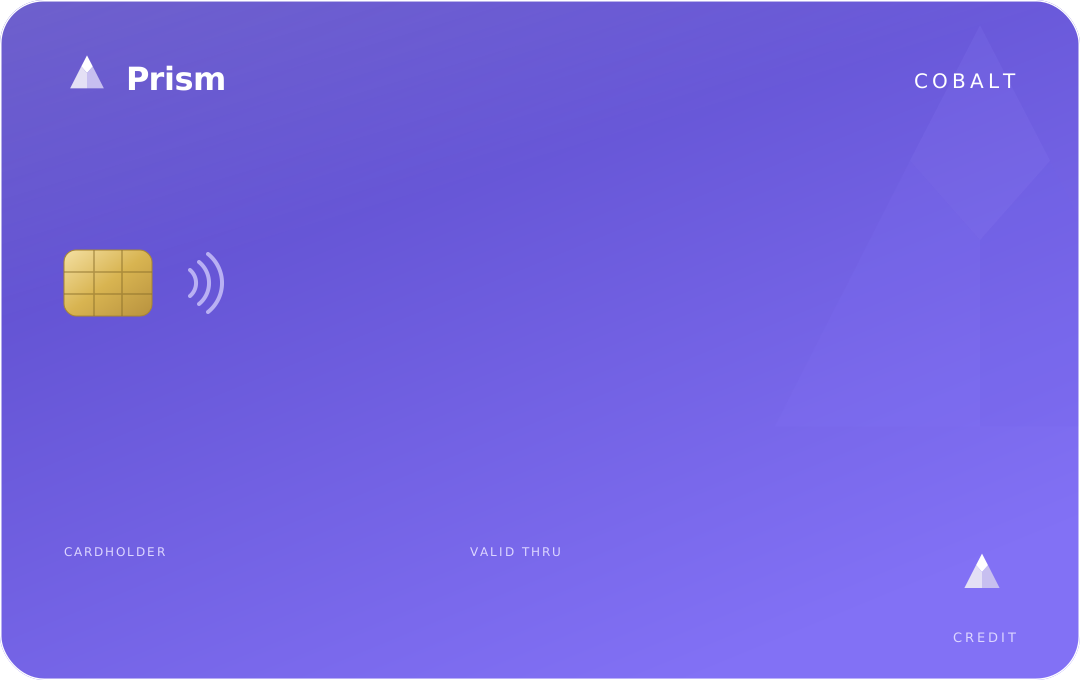 •••• •••• •••• 4242J. RIVERA06/29
$340.00 owed of $2,500.00 limit
1.50%/mo · 2% cashback
Loans
Prism lends for personal loans, business loans, mortgages, and lines of credit. You always see the full repayment schedule before you agree to anything.
- Browse loan products and apply with an amount and term — you'll see your estimated monthly payment right away.
- A Prism officer reviews and confirms your terms.
- Review and sign the agreement — the schedule is locked in.
- Funds are disbursed to your account; repay on schedule (turn on autopay so you never miss).
Personal Loan — Standard
4.25%/mo · $500–$10,000 · 3–24 months
Personal Loan — Line of Credit
5.00%/mo · revolving
Estimated payment
$187.32/mo
Total interest
$247.68
Total repaid
$2,247.68
Business banking
Run your firm on Prism: payroll (weekly, biweekly, monthly), invoicing with hosted pay pages, team seats with scoped access and limits, and a storefront. Register a business from the Business area to unlock these.
Merchant gateway
Accept payments from anyone — Prism members andguests with no account. Share a pay page or scan-to-pay QR, or charge through the developer API. Funds settle to your business account (instantly once you're verified). A small per-transaction fee applies; there's no monthly or setup fee.
Payout account · PB-••••7710
Merchant status
Today
$412.50
This week
$2,890.00
Fee
2.5%
Escrow
For big trades, escrow lets Prism hold the buyer's payment safely until both sides confirm the deal — then it's released to the seller (or refunded on a dispute). It removes the “who sends first?” risk from large deals.
Security & trust
Your money is protected by design, not just by promise:
- Real backing — every balance is backed one-to-one by real currency the bank holds.
- No overdrafts or double-charges — the system blocks them automatically.
- No passwords— you sign in with Discord, so there's nothing to leak.
- Fraud monitoring — unusual activity is flagged and reviewed.
FAQ
Do I need an in-game account?
Yes — you verify your in-game wallet once so Prism knows which wallet is yours. Guests can still paya merchant without an account, but to hold money you'll verify.
How fast are payments?
Instant. Prism Pay and transfers settle the moment you send.
Is there a fee to open an account?
No — opening accounts is free. Certain products (cards, the merchant gateway) have their own clearly-stated terms.
What if I send the wrong amount when depositing?
Deposits match on the exact challenge amount. If something doesn't match, it's flagged for staff to sort out — your money isn't lost.